xTool M1 Ultra vs S1 Series
A hands-on comparison from an official xTool demo host. Which machine wins on production throughput, material compatibility, and safety — and when you actually need both.
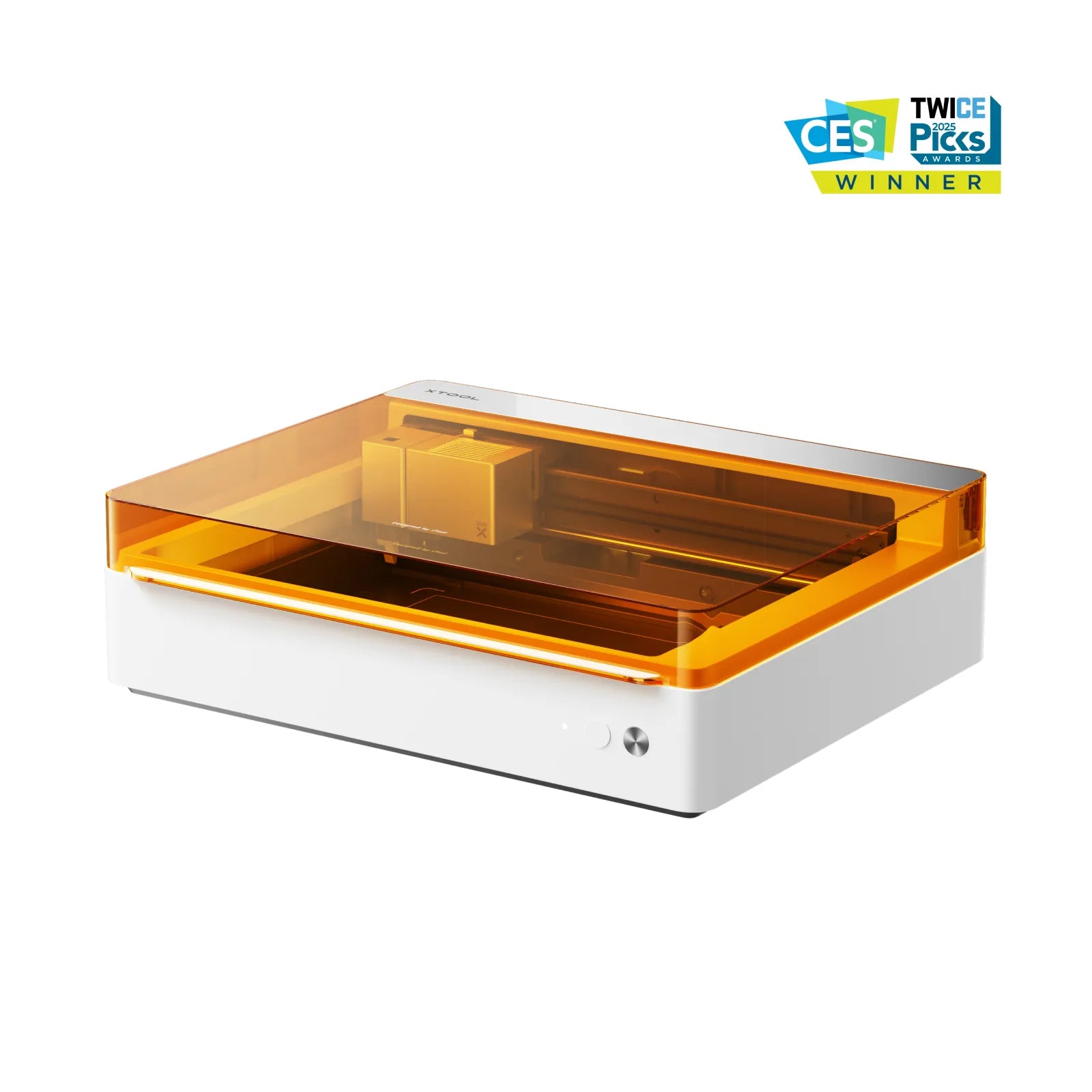
xTool M1 Ultra
4-in-1: Laser · Inkjet · Blade · Pen
- Full-color printing directly onto stickers, labels, and substrates
- Print-then-cut workflows without moving parts between machines
- Vinyl and drawing modules for mixed-media personalization
- Lower barrier to entry for creators exploring multiple techniques
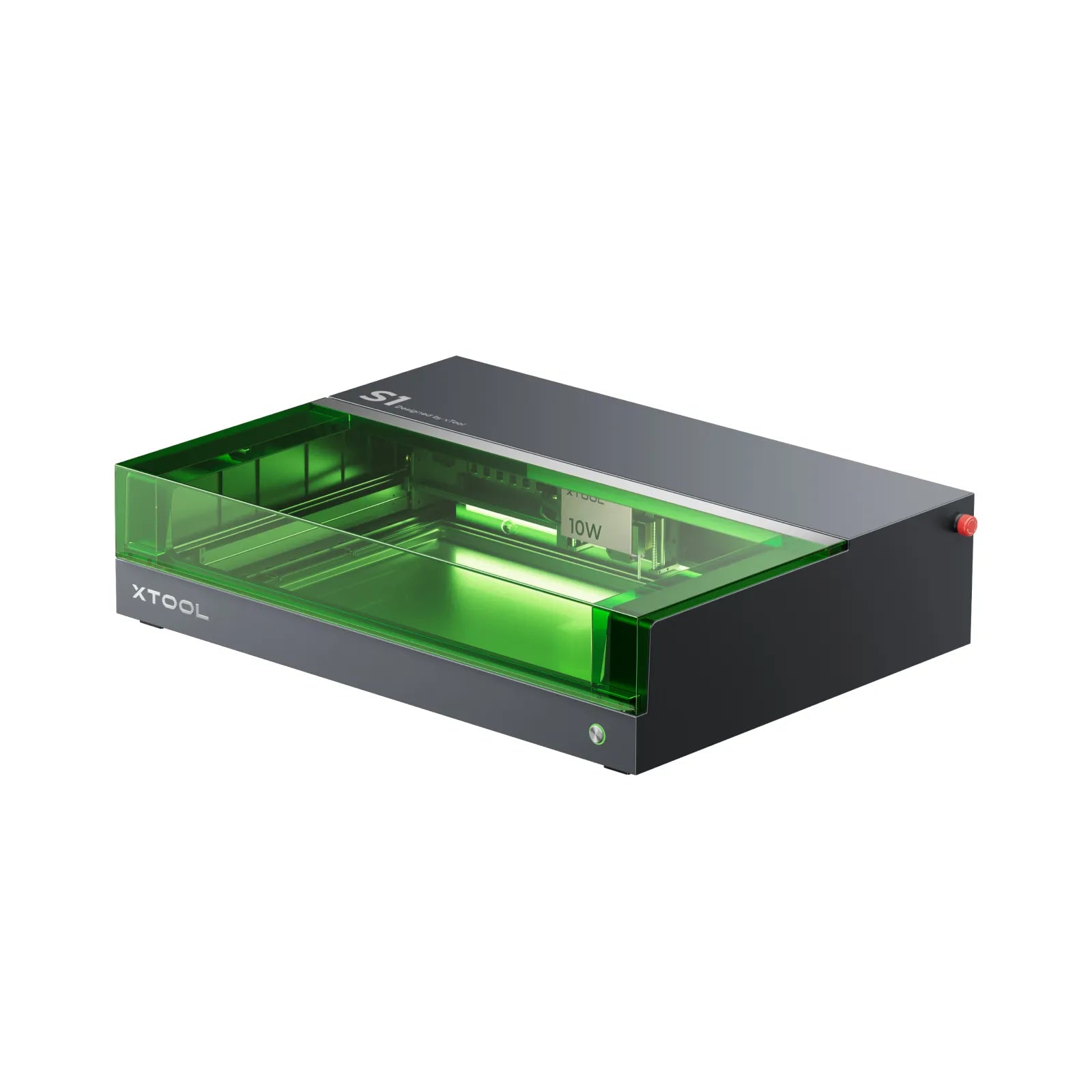
xTool S1 Series
40W enclosed diode, Class 1 safety
- Higher laser power for faster cuts and deeper engraving
- Larger work area — better for signage and full-sheet layouts
- Class 1 enclosure means safer, quieter production floor operation
- Switchable IR / 20W / 40W modules handle metals and thick materials
Head-to-head specifications
| Spec | M1 Ultra | S1 Series |
|---|---|---|
| Primary use case | Print-and-cut, multi-process one-offs & small runs | Production runs, large-format engraving & cutting |
| Included processes | Laser + Inkjet + Vinyl Blade + Drawing Pen (4-in-1) | Diode laser only (swappable 2W IR / 20W / 40W) |
| Laser power | 10W or 20W diode | 40W enclosed diode (switchable modules) |
| Work area | 385 × 300 mm | 498 × 319 mm |
| Enclosure & safety | Partial enclosure, safety interlocks | Class 1 fully enclosed |
| Positioning | Camera-assisted alignment for print-and-cut | Pin-point™ twin-point positioning (camera-free) |
| Air assist & extraction | Add-on air assist and smoke purifier | Integrated air assist, optional smoke purifier |
| Module swap time | ~3 seconds between modules | Tool-free module swap (IR / 20W / 40W) |
| Material compatibility | 1,000+ materials incl. paper, vinyl, fabric, leather, wood, acrylic, and printable substrates | Wood, acrylic, leather, metals (with IR), coated metals, dark glass |
| Batch throughput | Moderate — best for mixed-media 10–100 pc runs | High — engineered for 50–500+ piece production |
| Typical Maker Print Lab jobs | Die-cut stickers, printed + laser-cut charms, mixed-media gifts | Signage, wedding decor, Etsy production, plaques, awards |
Which one should you pick?
Choose the M1 Ultra if…
- • You need full-color printed graphics and cut lines on the same substrate.
- • Your catalog is stickers, decals, planner accessories, or mixed-media gifts.
- • You want one machine that handles laser, inkjet, vinyl, and pen without swapping setups.
- • Your runs are typically under ~100 pieces per SKU.
Choose the S1 Series if…
- • You cut or engrave wood, thick acrylic, leather, or coated metals.
- • You run production batches of 50–500+ pieces at a time.
- • You need Class 1 enclosed safety for a shared studio or storefront.
- • Signage, awards, wedding decor, or Etsy-shop production is your bread and butter.
Not sure? Come try both.
We host demos on both machines in our Austin studio. Bring a real project — we'll route it to whichever machine wins on quality, speed, and cost.
Frequently asked
Which is better for an Etsy or small-batch business?+
If your catalog is printed-and-cut stickers, decals, or mixed-media charms, the M1 Ultra removes the print → cut handoff. If you're producing wood signs, acrylic awards, or 50+ engraved pieces per run, the S1 is faster and safer for continuous operation.
Can the M1 Ultra replace a dedicated laser cutter?+
For light acrylic, paper, vinyl, and thin wood, yes. For production-grade cutting of 3–5 mm hardwood or acrylic, or for engraving metal, the S1 (with its 40W diode and 2W IR module) is the right tool.
Do I have to choose? Can I use both at Maker Print Lab?+
You don't have to choose. We run both machines in our Austin studio and route each project to the best-suited device — often using the M1 Ultra for printed graphics and the S1 for structural cuts on the same product.
Which safety features come standard?+
The S1 is Class 1 fully enclosed with automatic interlocks — safe for unattended cycles. The M1 Ultra uses safety interlocks and requires proper ventilation; we operate it with active smoke extraction and eye protection during laser cycles.